AI wedding photos of the two of you — from one selfie each
Upload a clear selfie of each of you, choose one of 57 scenes — a white Korean-style studio, a garden ceremony, a barefoot beach, a candlelit ballroom — and TwoShotPro generates wedding portraits with both of your faces in them. Renders arrive in your private gallery in about 2–10 minutes, four takes per credit.
- ✓ 57 scenes
- ✓ Ready in 2–10 minutes
- ✓ 4 takes per credit
- ✓ One-time payment from $29
Three steps, a few minutes
- 01
Upload two selfies
One clear, front-facing photo of you and one of your partner. No partner photo? Solo mode creates a fictional partner instead.
- 02
Pick a wedding scene
Studio, outdoor, destination, venue or heritage — then choose the dress silhouette, suit and bouquet, or describe your own scene in a sentence.
- 03
Get four takes per credit
Each generation returns four separate images, checked for likeness, delivered to My Photos in about 2–10 minutes.
Made with TwoShotPro
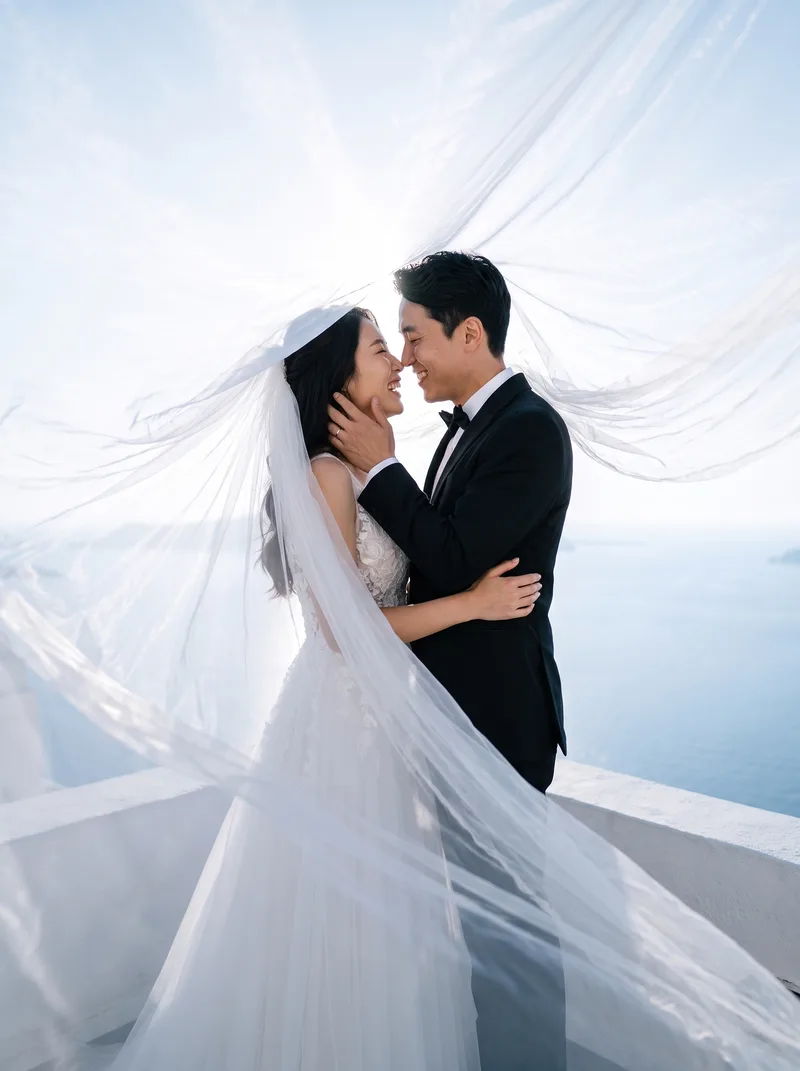
Sample images generated with the scenes on this page — AI images, not photographs of real events. Tap one to open the editor with that scene selected.
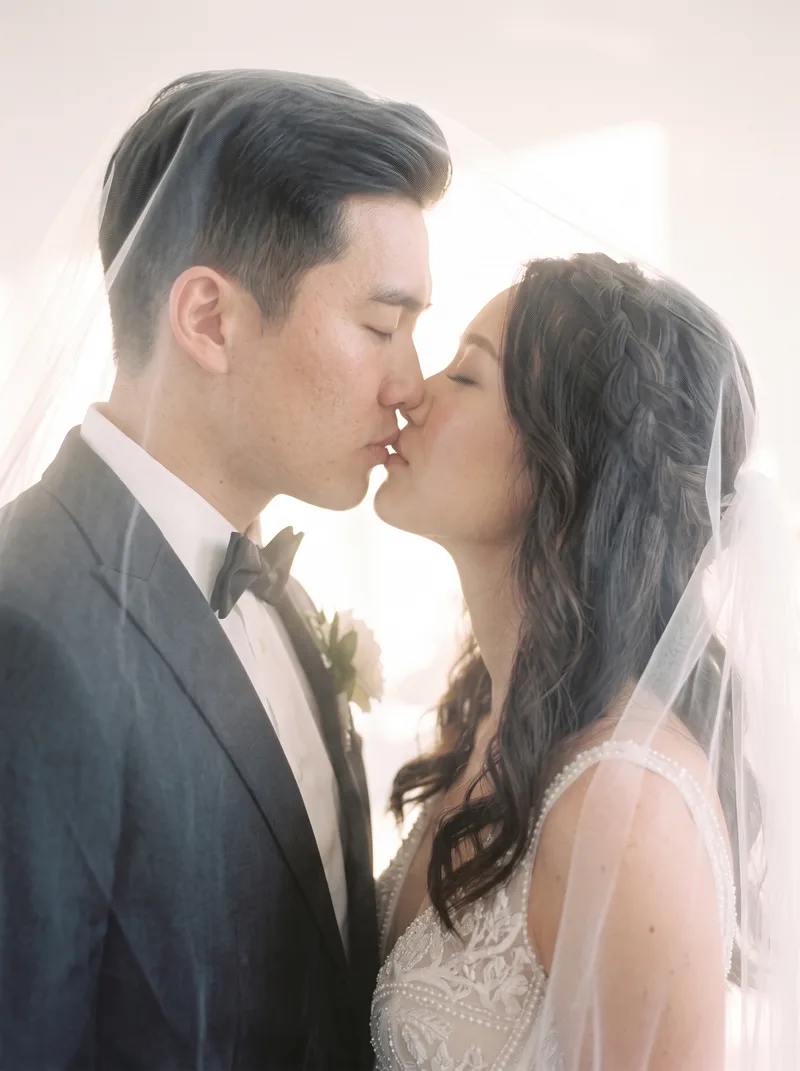
 Classic WeddingTimeless studio wedding portrait
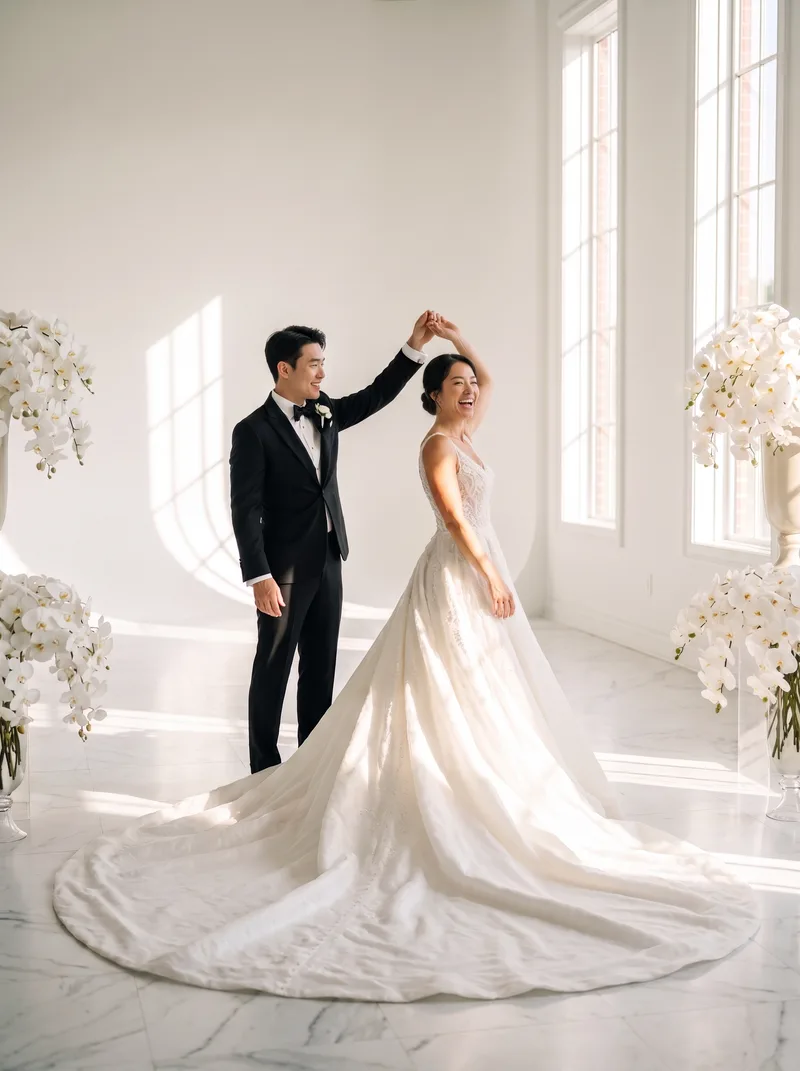
 Garden WeddingOutdoor floral ceremony
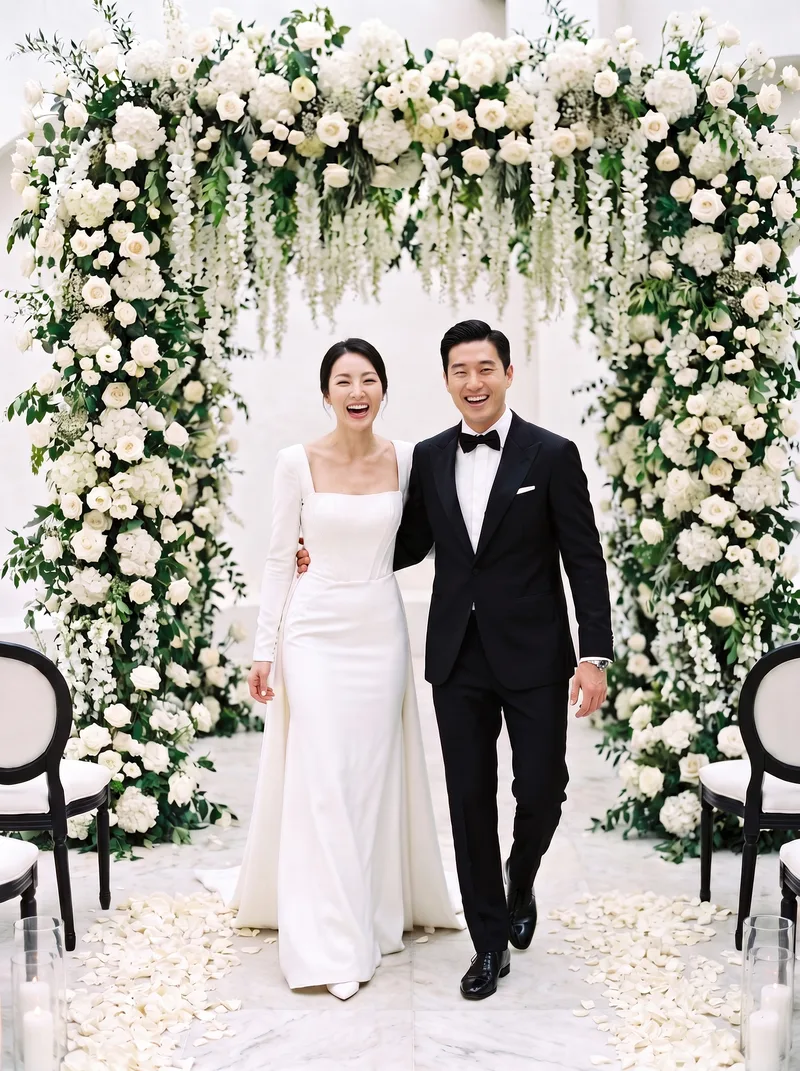
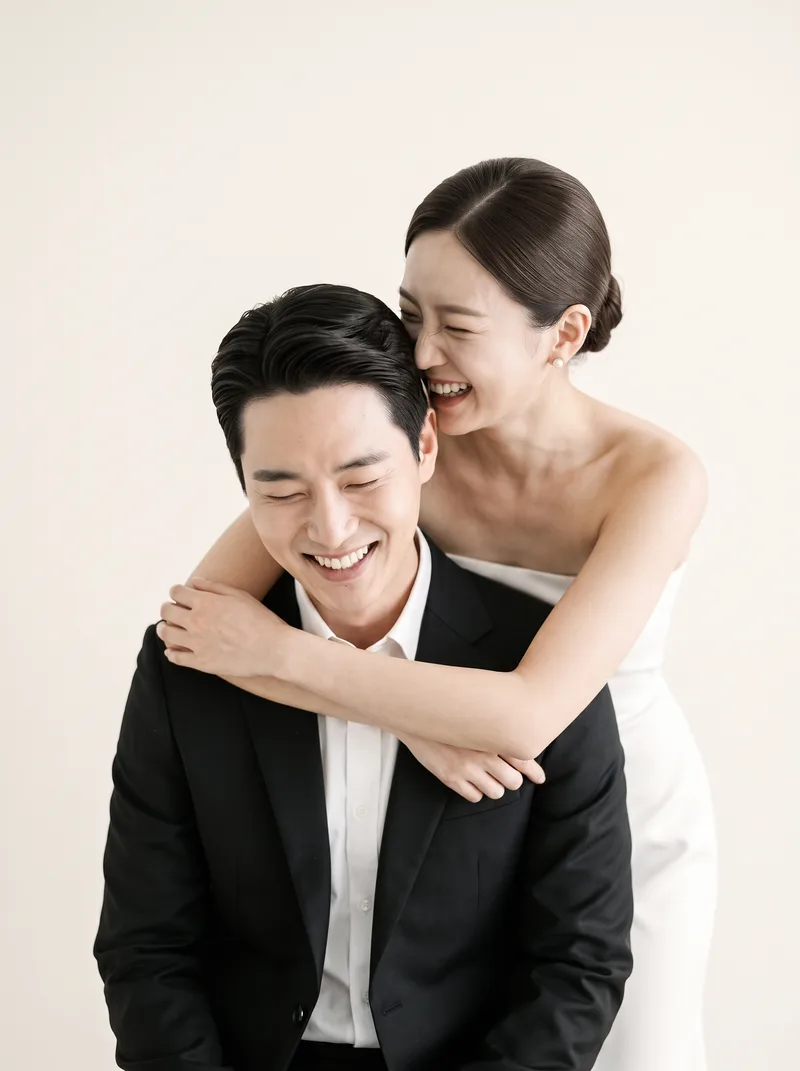 Back HugA laughing back hug on seamless white
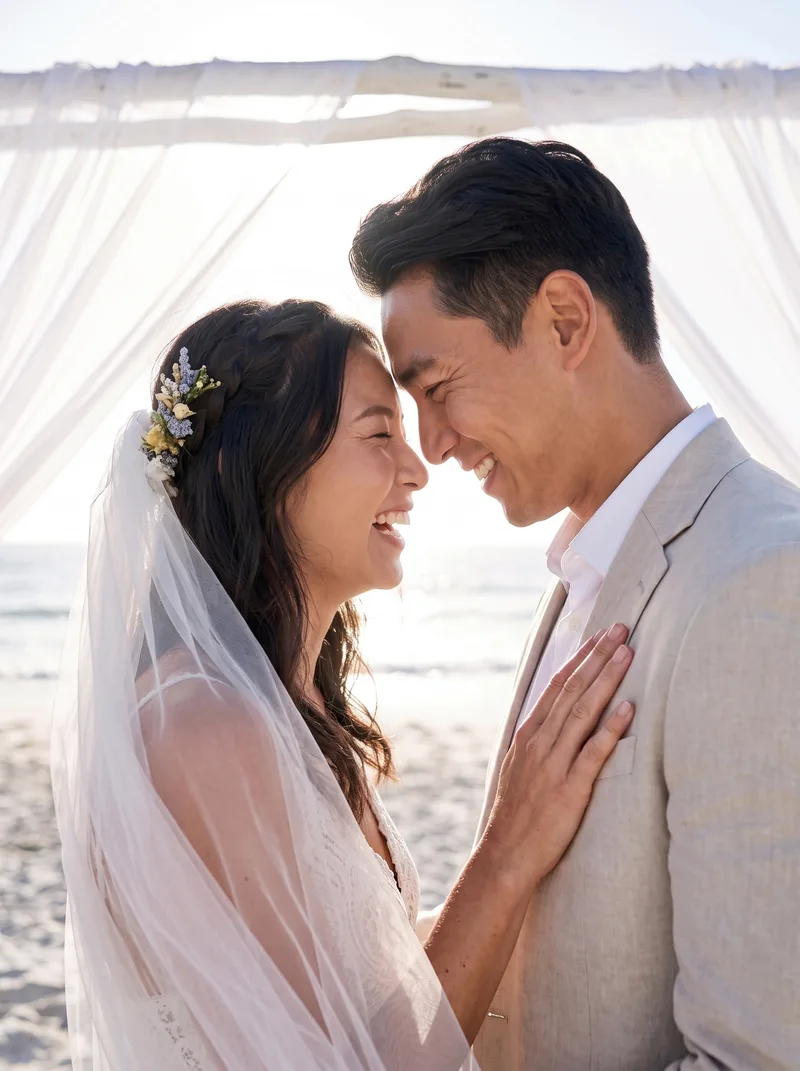 Beach WeddingBarefoot on the shore at sunset
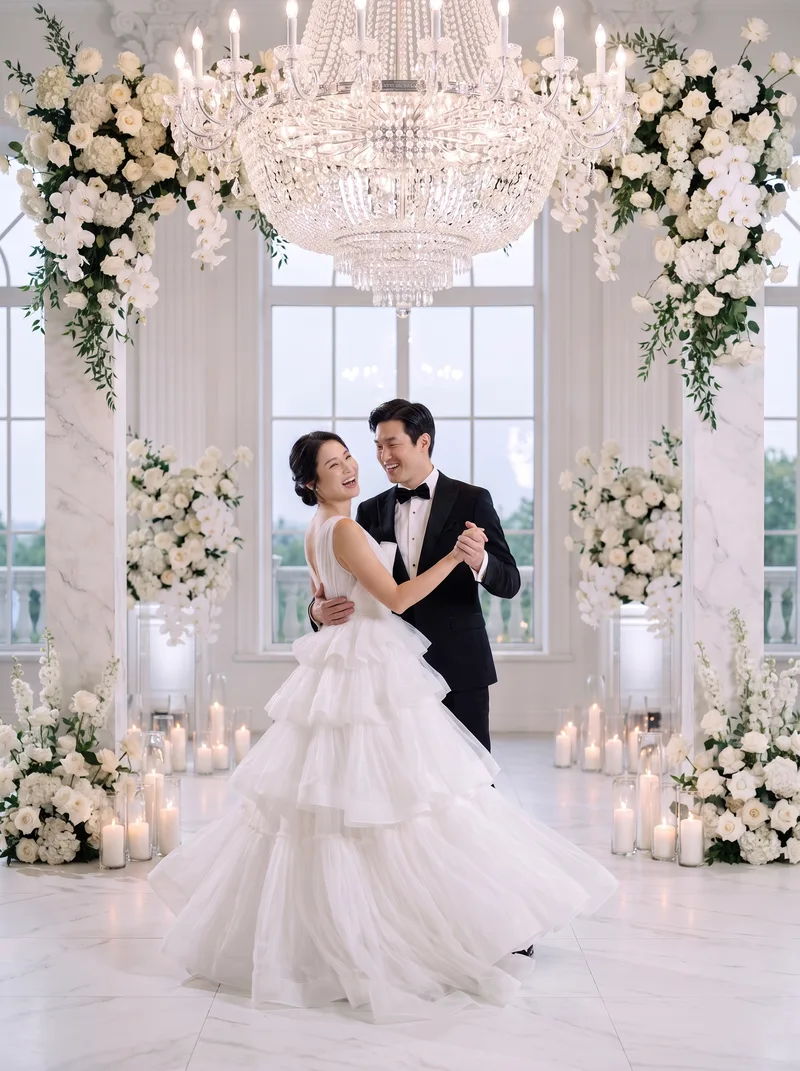 First DanceMid-twirl in a candlelit white ballroom
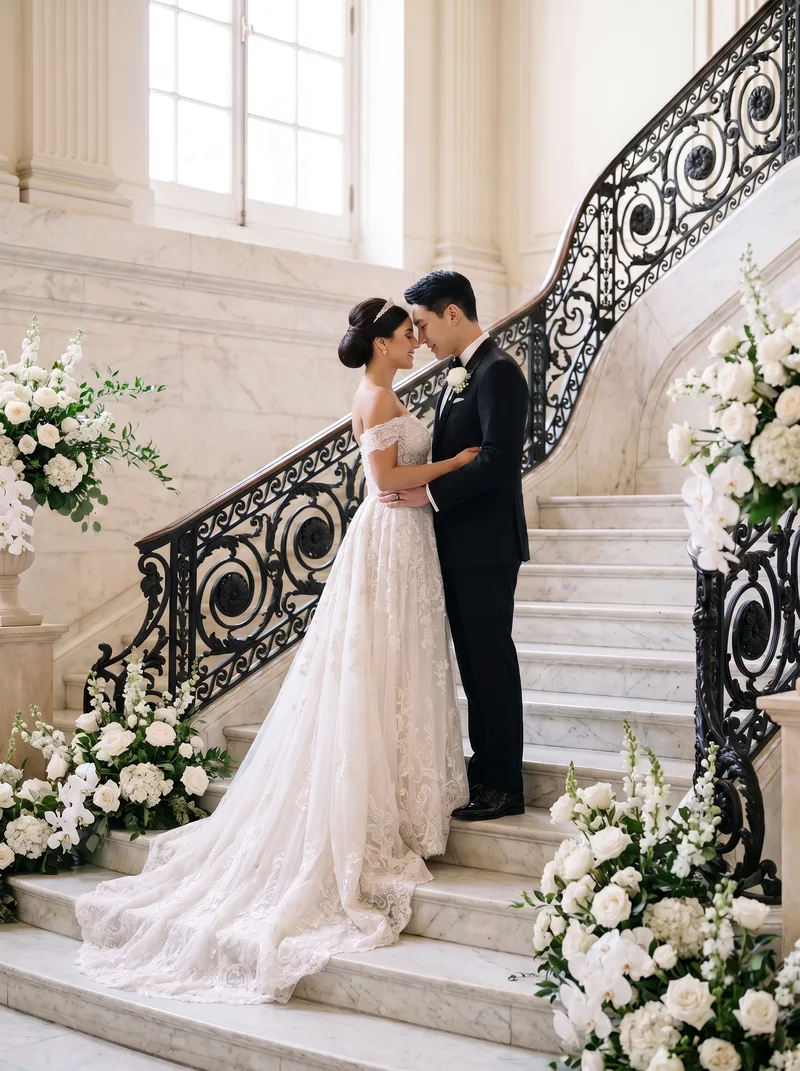 Grand StaircaseRegal pose on a sweeping marble staircase
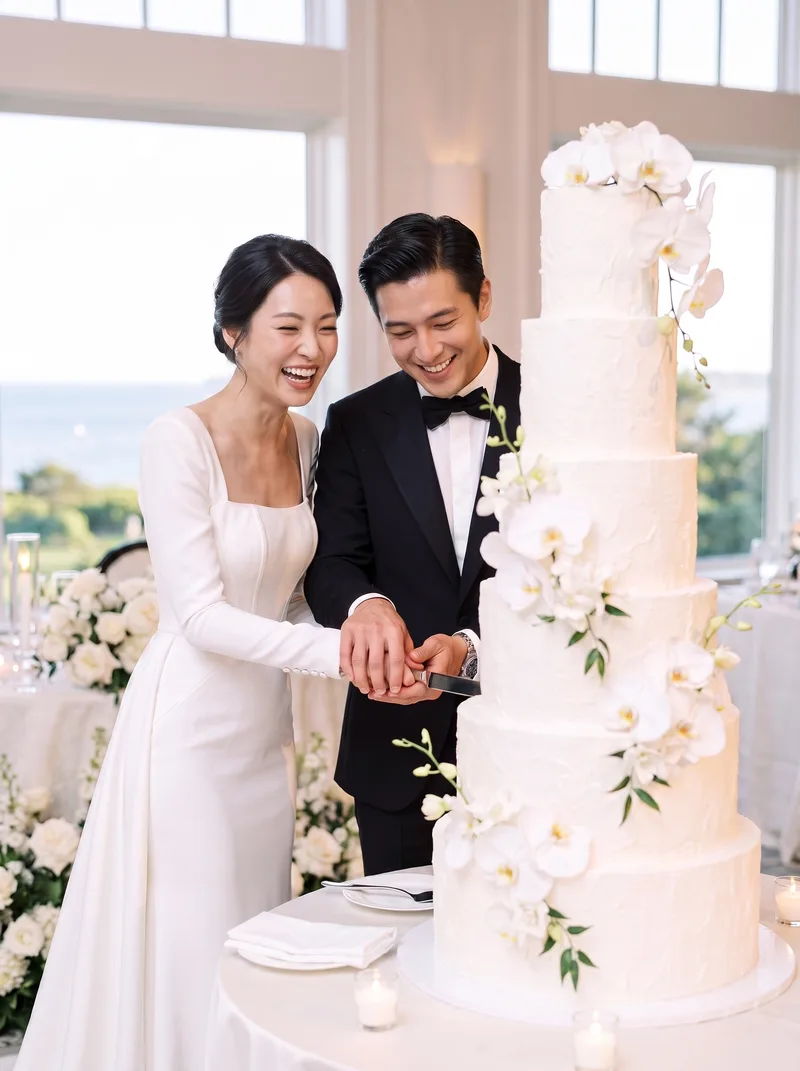 Cutting the CakeA playful moment over a towering white cake
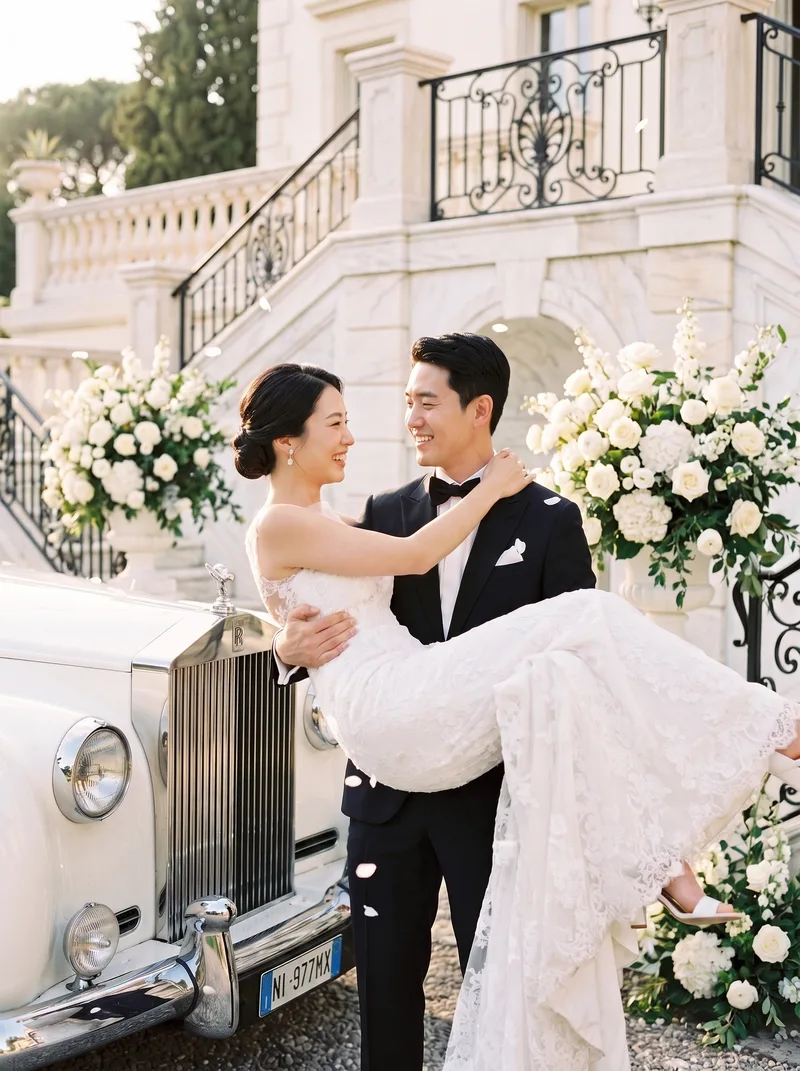 Vintage Rolls RoyceElegant kiss in the back of a vintage convertible
What an AI wedding photo generator is good for
Most couples who use it are not replacing a wedding photographer. They want a set of polished portraits before the wedding — for a save-the-date, an invitation, a website, a gift for parents — or the wedding-style photos they never got because they eloped, married at a registry office or simply skipped the shoot.
It is also a cheap way to try a look. Seeing yourselves in a mermaid gown versus a ballgown, a black tux versus a white one, or a studio portrait versus a beach at sunset makes the real decisions easier.
The wedding scenes you can choose
The 57 scenes are grouped the way wedding shoots are actually sold. Every scene on this page links to a real sample made with the tool.
- Studio — 13 Korean-style studio setups on seamless white: back hug, veil close-up, bouquet hide, under the veil, forehead touch. Colour or black-and-white film tone.
- Indoor & venue — classic wedding portrait, first dance, cutting the cake, crystal chandelier ballroom, candlelit dinner.
- Outdoor — garden ceremony, veil kiss, cherry blossoms, winter snowfall, rooftop sunset, swan lake shore.
- Destination — beach wedding, Maldives villa, Paris balcony, Hawaii clifftop, grand staircase, vintage Rolls-Royce.
- Heritage — Korean hwalot, modern hanbok, Japanese shiromuku, Chinese qun kua, Indian lehenga, Vietnamese ao dai, Thai chut Thai, Yoruba aso-oke.
When to book a real photographer instead
If you want the actual day documented — your guests, your venue, the moment your father saw you — you need a photographer. An image model cannot record something that happened. Use AI wedding photos for the portraits around the wedding, not as a record of it.
One-time packs. No subscription.
Each credit is one generation of 4 photos. Credits never expire, failed generations never use a credit, and every pack includes the free mobile invitation and thank-you card. Checkout by PayPal (USD).
Basic
- 12 photos (3 generations)
- Premium 2K resolution
- All 57 scenes + custom scene
Professional
MOST POPULAR- 32 photos (8 generations)
- Premium 2K resolution
- All 57 scenes + custom scene
Executive
- 48 photos (12 generations)
- 4K ultra resolution
- All 57 scenes + custom scene
Frequently asked questions
How do AI wedding photos work?
You upload one selfie of each person. The model places both faces into the wedding scene you chose, keeping your features, and each result is compared against your upload before you see it. Each credit returns four images.
How long does it take?
Usually 2–10 minutes. Renders run in a queue and land in My Photos, so you can close the tab and come back. 4K renders on Executive can take a little longer.
Are AI wedding photos free?
It is a paid tool with one-time packs: Basic $29 for 12 photos at 2K, Professional $45 for 32 photos at 2K, Executive $110 for 48 photos at 4K. No subscription, nothing renews, and credits never expire. Before paying you can make a free likeness preview — a sketch of your face — to check the resemblance.
Will they look exactly like us?
They are AI-generated, so treat them as portraits made from your features rather than a photograph of a day that happened. Every image is checked against your upload for resemblance before it reaches you, and a clear, front-facing selfie in daylight gives the closest result. Hands, jewellery and small text can still come out imperfect; that is why each credit returns four takes.
Can I choose the dress and suit?
Yes. After picking a scene you can set the dress (mermaid, ballgown, A-line, evening gown, hanbok), the suit (black or white tux) and the bouquet, or write a custom scene in a sentence.
Do you keep my selfies?
Your selfies are sent to the image model for the length of the request and are never stored on our servers. The editor keeps them on your own device for 24 hours so you can come back and continue. Only the finished images are saved — privately, to your My Photos gallery.
Can I print them?
Yes. Basic and Professional render at 2K, which is fine for screens and small prints; Executive renders 4K master files large enough to print cards and frames yourself.
RELATED IDEAS
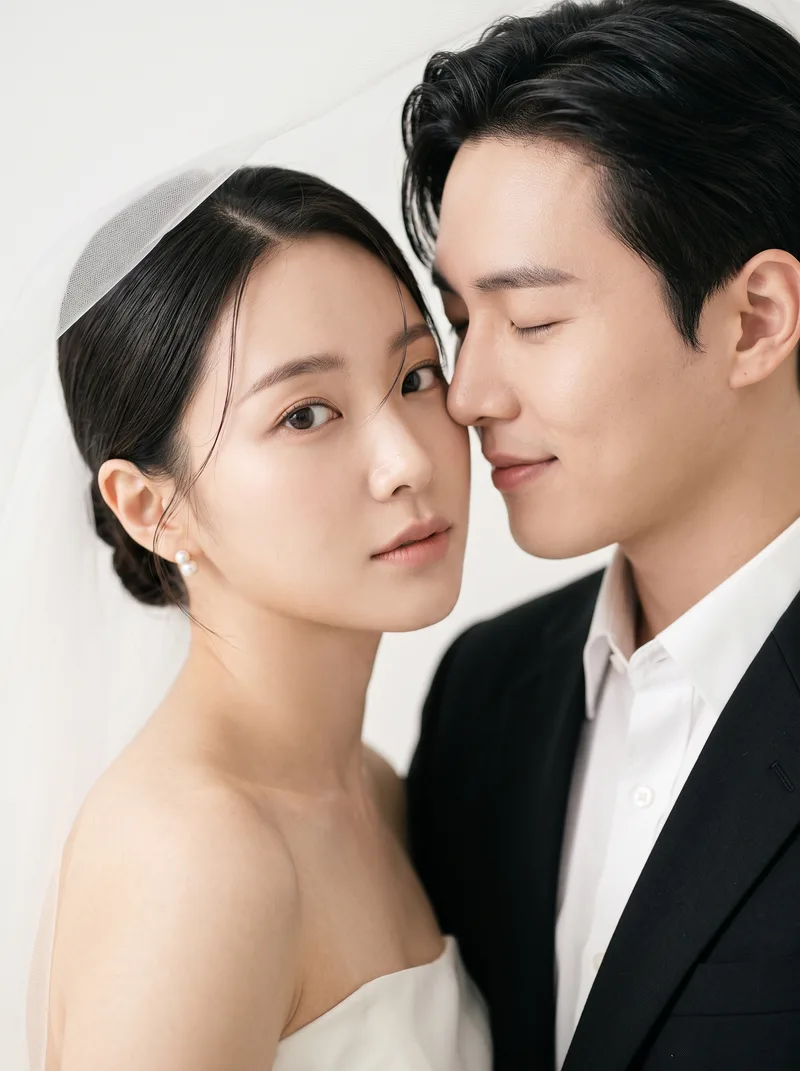 The Korean pre-wedding photoshoot look
- An AI pre-wedding photoshoot
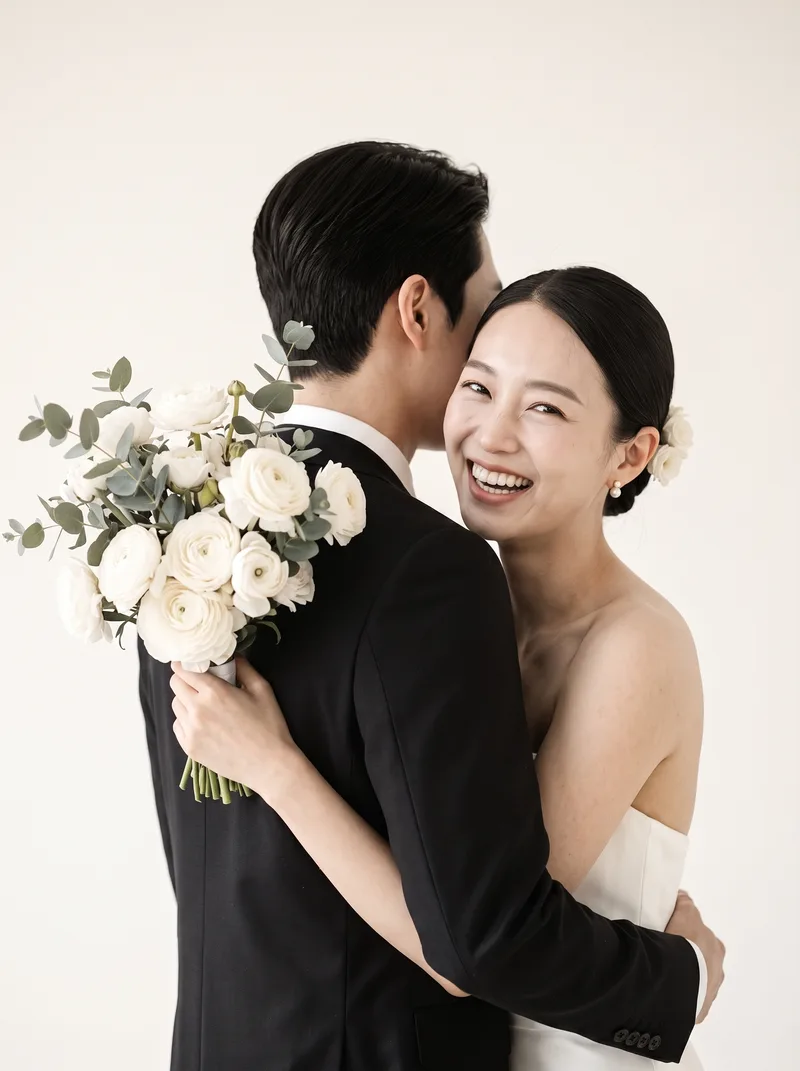 Save-the-date photo ideas
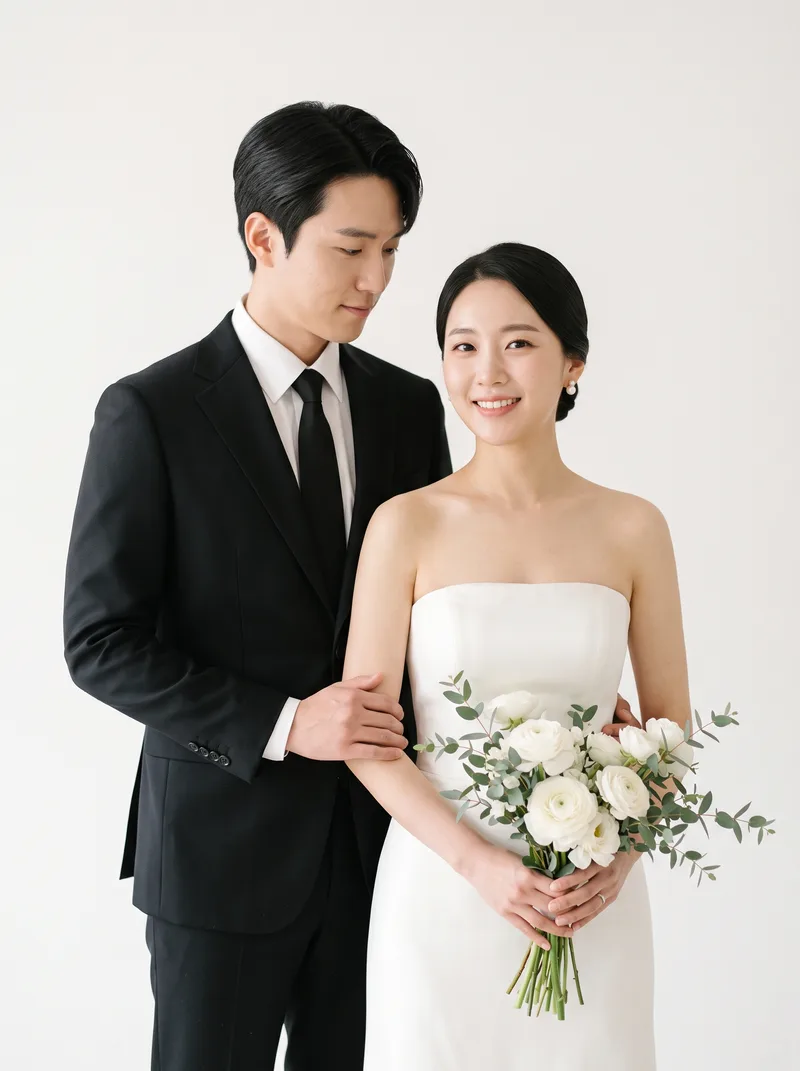 Your wedding invitation photo
 Put two people in one photo
More: all guides & ideas · mobile invitations · AI couple photo generator
AI wedding photos of the two of you
One selfie each · 2–10 minutes · from $29, credits never expire
Create AI wedding photos